A client books an infill because it is the shortest option on your menu. When they arrive, you realise the appointment needs a different service and more time. Now you have an awkward price conversation and another client due in an hour.
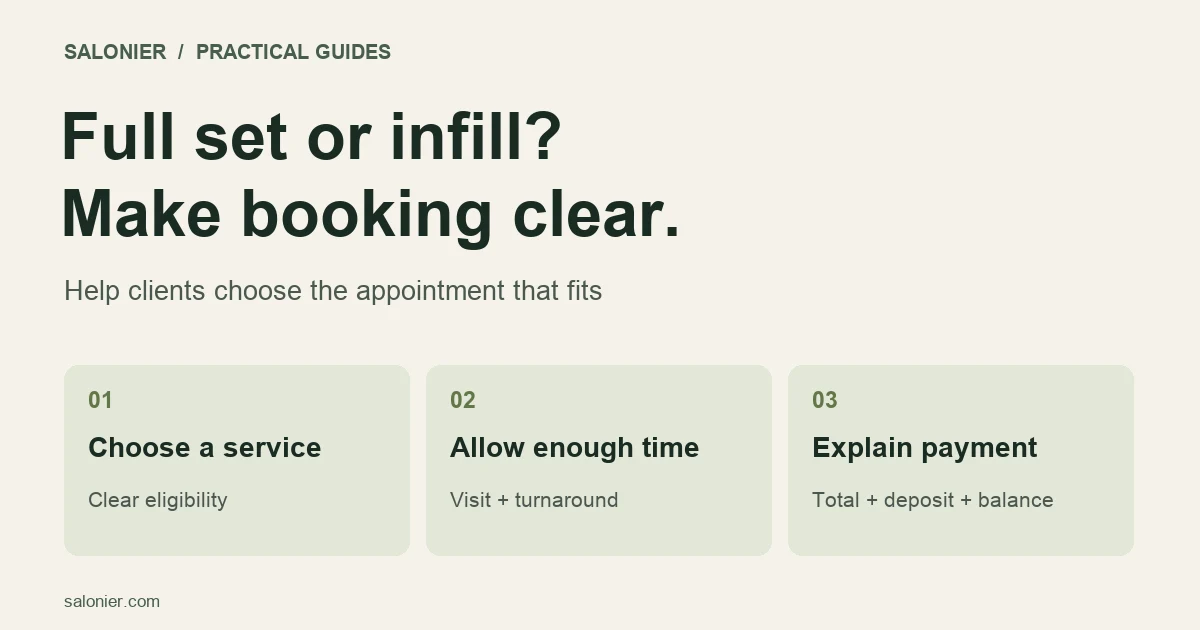
A clearer booking menu can prevent some of that confusion. For lash appointment booking, separate full sets from infills, explain who each service suits and give unsure clients a way to ask before paying.
This guide is about organising bookings. Treatment decisions and suitability checks should follow your professional training, product instructions and insurer's requirements.
Start with the client's decision
You know the difference between the services you offer. A new client may only know the result they want. Explain that a full set is a complete application and an infill is maintenance of an existing set that meets your criteria.
Each listing should answer these questions in plain language:
- Is this a full set, an infill, a removal or a consultation?
- Can a new client book it?
- What is included in the price?
- How long should the client allow?
- When should they contact you before choosing it?
Keep the main service name short. Put the qualifying detail in the description, where someone can read it before confirming.
Avoid a single catch-all “lashes” appointment if it covers work with very different timings. Equally, a long menu of nearly identical options can make the choice harder. Group services according to how you actually book and deliver them.
Explain your infill rules before the client pays
Give clients the details that determine which appointment to choose.
Explain whether you accept infills on work done elsewhere, how the time since their last appointment affects booking, and what happens if they are unsure which service they need. Use your own criteria rather than copying another studio's thresholds.
Here is a description you can adapt:
[Service name] infill — [price], allow [time]. For returning clients whose existing set meets our infill criteria: [your criteria]. If you are unsure, or your current lashes were applied elsewhere, please contact us before booking so we can check which appointment to reserve.
Replace the bracketed details with your actual service rules. If a check could change the service or price, explain that before payment and agree the change with the client.
Provide a clear contact route for questions. Do not tell clients to book the cheapest option and sort it out on arrival; that puts the uncertainty back into your diary.
Set durations from your own appointments
Use your recent diary to estimate how long each service takes you. Include the consultation, setup and reset work that occupies the appointment space.
A simple example: if an appointment uses 105 minutes with the client and you need 15 minutes afterwards to prepare for the next one, reserve 120 minutes of diary space. These are sample figures, not recommended treatment times.
Tell clients how long they should expect to be with you. If the 15-minute reset is booked separately as a buffer, make sure it still blocks availability.
Some calendars include turnaround time in the service duration; others have a separate buffer setting. Check which method you are using so you neither leave the time unprotected nor add it twice.
Allow for differences between new and returning clients where they affect your work. Review a few appointments that overran before shortening the published duration to squeeze another booking in.
Make the price and deposit easy to understand
A client should be able to see the total price, what they pay now and what remains due at the visit.
For example, on an £80 service with a £20 deposit, the remaining balance is £60. The deposit is part of the £80 price, not an extra £20 charge. This is an arithmetic example, not a recommended deposit amount.
Place the payment explanation next to the booking action:
The total is [price]. You pay [deposit] when booking, and the remaining [balance] at your appointment. Please read the cancellation and rescheduling terms before confirming.
Choose deposit amounts and notice periods for your own circumstances. Avoid implying that a long appointment automatically makes any cancellation charge fair. UK businesses should read the CMA's guidance on cancellations and deposits: retained payments and charges must be justified by loss, taking reasonable steps to reduce it.
Salonier's current pricing lists service-level deposit rules on Growth and Pro. If you need different rules for full sets and infills, check the plan before setting up your menu. Subscription charges, deposit platform fees where applicable, and Stripe processing fees are separate costs.
Send a confirmation that answers the obvious questions
After booking, the client should be able to find the service, date, time, address, amount paid and remaining balance without hunting through messages.
Include the cancellation or rescheduling route and any appointment preparation instructions you have determined are appropriate. Keep those instructions consistent with what you told the client before booking.
A confirmation can be brief:
You're booked for [service] on [day, date] at [time]. Please allow [duration]. Your appointment is at [address]. We've received [deposit], leaving [balance] due at your visit. To check or change your booking, use [link] or contact [contact details].
For more wording, use the appointment reminder templates. Check which reminders your plan sends automatically before promising a particular message or delivery channel.
Test the menu on a phone
Before sharing the link widely, walk through three situations:
- A new client wants a full set. Can they identify the right service and find out whether anything must happen before booking?
- A returning client wants an infill. Are the eligibility rules, time and price clear?
- A client is unsure. Can they ask you without paying for the wrong appointment?
Use a test mode if your system offers one. Otherwise, inspect the client journey carefully and only complete a real payment when you intend to make that transaction.
Check the diary as well as the booking page. A service that looks clear to the client is still a problem if it leaves no turnaround time or overlaps another appointment.
Share one reliable booking link
Once the menu is ready, put the same current link on your website and social profiles. The Instagram booking guide covers how to move an enquiry from a message into a confirmed booking.
Salonier's lash booking page introduces its booking and deposit tools. Compare those features with the workflow you need, including any consultation or suitability steps you manage separately.
After your first week with the revised menu, note the questions clients still ask. If several people are unsure about the same infill option, rewrite that description. One clear sentence can be more useful than adding another service to the list.