A client cancels tomorrow's colour appointment. There is a useful gap in the diary, but posting “space available” leaves everyone guessing: which service, what time, and how do they book?
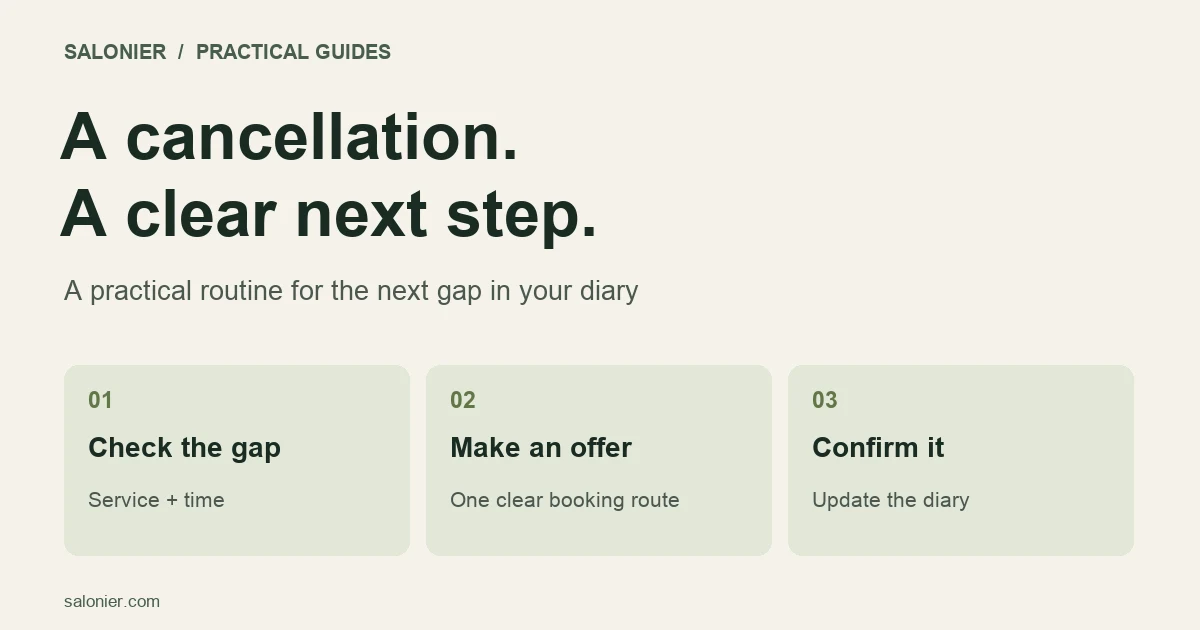
Start with those details. To fill a last-minute salon cancellation, work out what actually fits, offer it to suitable clients who have asked to hear about openings, then confirm it through one booking route. A discount can wait.
The steps below work for a small salon or a solo diary.
Check the gap before offering it
Look at the appointment on either side of the cancellation. A two-hour opening does not necessarily mean you can sell two hours of treatment time. You may need time to clean, prepare, consult or finish notes before the next client arrives.
Check four things:
- Who is free? The person available must be able to deliver the service.
- What can fit? Include preparation and turnaround time.
- Who is suitable? An existing client needing a familiar service may be easier to book at short notice than someone whose needs have not been assessed.
- What must happen first? Do not skip a required consultation or other professional checks just to fill the space.
Suppose, as an example, you have a gap from 2 pm to 3.30 pm and need 15 minutes to reset before your next appointment. That leaves 75 minutes for the client visit. Offer a service you can complete comfortably within that time.
For a shop that also accepts walk-ins, use the same diary for both. The appointments and walk-ins guide explains how to keep an online slot from being sold while someone is already in the chair.
Keep a small waiting list that you can actually use
A useful waiting list tells you which opening each client could take. Ask clients who cannot find a suitable appointment whether they want to hear about a cancellation.
Record the service they want, the days or times they could attend, how much notice they need and their agreed contact method. Include when the request expires. Someone waiting for a Friday appointment before a wedding probably does not want another offer three weeks later.
You can start with a short list kept securely alongside your diary. Do not assume your booking software has an automatic waiting-list feature; check what it supports.
Keep these requests separate from general promotions. For UK businesses, ICO guidance on email and text marketing explains when consent or the existing-customer exception is needed. Having a client's number for a booking is not, by itself, permission to send offers.
Offer the appointment without promising it twice
Choose how the slot will be reserved before sending a message.
A personal hold: block the time in your diary and offer it to one suitable client until a stated deadline. If they decline or the deadline passes, release it before contacting the next person.
An open booking link: leave the slot bookable and explain that it goes to the first completed booking. Do not also promise to hold it in a private message.
Here is wording for a personal offer:
Hi [name], you asked about an earlier [service] appointment. I can offer [day, date] at [time] for [price]. I've held it until [deadline]. Would it suit you? No problem if not. — [salon]
Only say you have held it if the diary is actually blocked. If a deposit is needed, explain the amount and how long the hold lasts while the client completes booking. When you confirm the appointment, replace the temporary hold with the actual booking and check that the time remains unavailable to everyone else.
For a public post, include the service and a direct next step:
An appointment has opened for [service] on [day, date] at [time]. The price is [price], with [deposit] paid when you book and the balance due at your visit. Book here: [link]. Available until booked.
Replace every bracketed detail and check the link before sharing. Remove or update the post once the appointment is taken.
Try a clear offer before reducing the price
The client may care more about a convenient time than a lower price. Start by offering the appointment at its usual rate.
If you decide to discount, compare the amount you will receive with the extra costs of delivering the service. Product costs, staff pay, card fees and the time involved still matter. A full diary is not automatically a profitable one.
Also check whether you are moving an existing client from another appointment. Filling Thursday by moving Friday's booking may simply move the empty space. That can still be worthwhile, but record it honestly when you review the result.
Avoid repeatedly advertising the same “last-minute deal”. It can make your normal price harder to explain and gives you less room to judge whether the timing or the discount attracted the booking.
Handle the original cancellation separately
Replacing a booking does not settle what happens to the original client's deposit.
For UK consumers, cancellation charges must reflect the business's direct loss, and the business should take reasonable steps to reduce that loss. Refilling the appointment may affect the loss you can justify. The Competition and Markets Authority's cancellation guidance explains why describing every deposit as non-refundable is not enough.
Check the agreed terms and circumstances, record the replacement booking, and explain any refund or charge plainly. Software applying a rule does not make the rule fair in every situation.
Record what happened
At the end of the week, look at the cancellations you tried to refill. A simple record can include:
- Notice received and appointment length.
- Service offered and where you offered it.
- Whether the replacement client attended.
- Whether the booking was new or moved from another day.
- Price charged and any refund on the original booking.
For an illustrative week with four cancelled appointments and two attended replacements, the appointment refill rate is 2 ÷ 4 × 100 = 50%. That tells you how many appointments were recovered, not how much profit you made. Two short replacements may recover much less time than one long appointment.
Make the next booking easier to keep
A cancellation routine works best alongside clear confirmations and a straightforward way to change an appointment. Use the reminder templates to explain the time, location and next step without sounding stern.
Salonier provides a shareable booking link and client self-service tools. You can use them for the booking part of this process while managing your waiting list separately. Check current plans and fees before choosing a setup.
Start with the next empty slot: identify one service that fits, contact one suitable client and make the booking status clear to everyone who handles the diary.